Hot Items let you promote specific catalog items at a reduced price with an optional bonus SVC reward. Customers see these as featured deals. The number of active Hot Items is limited by your subscription plan.
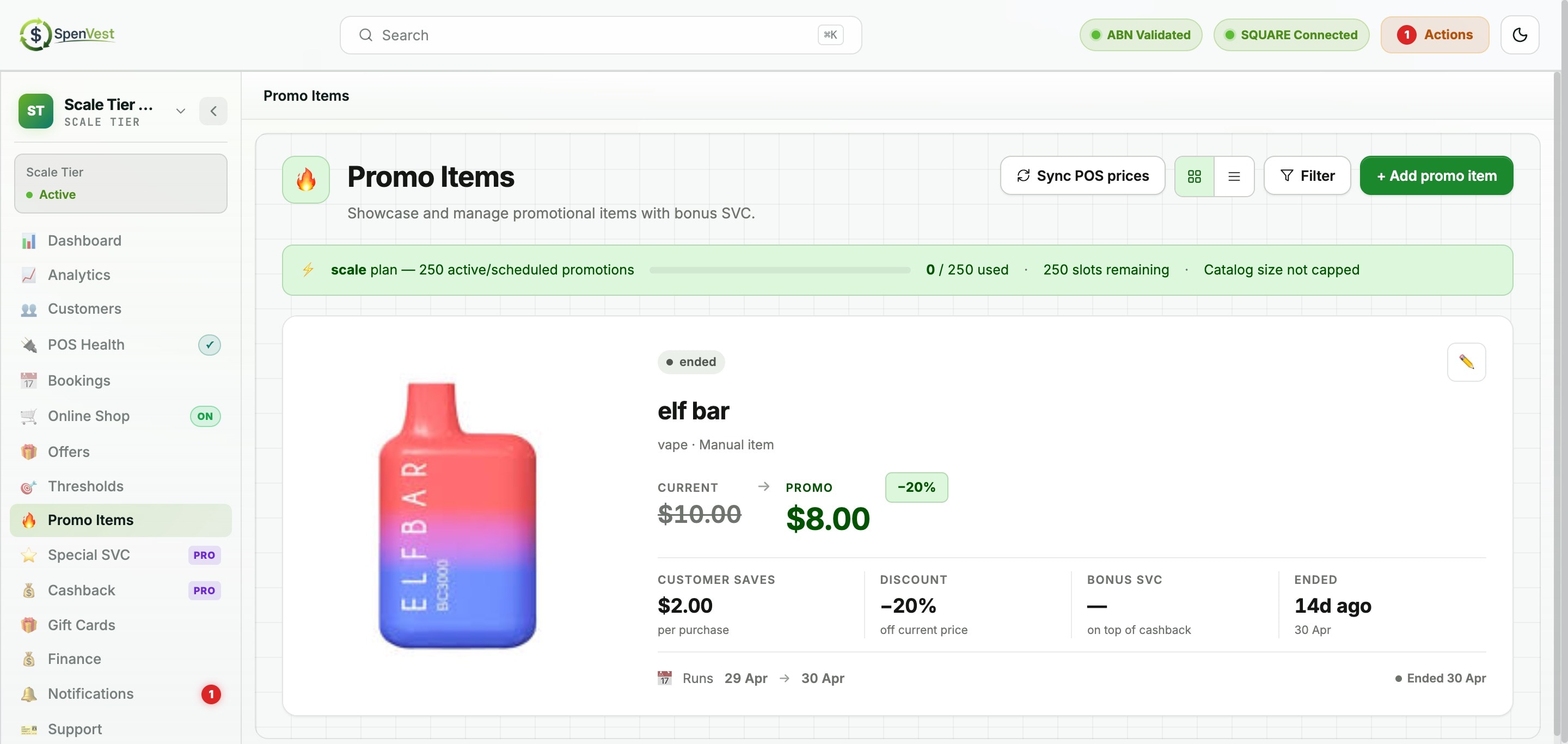
Plan limits for Hot Items
Rewards plan: Hot Items not available
Starter plan: up to 5 active Hot Items
Growth plan: up to 15 active Hot Items
Scale plan: up to 50 active Hot Items
Creating a Hot Item
1
Select an item from your catalog
Choose from your POS-synced products or manual catalog items.
2
Set the promo price
The promo price must be lower than the base price. The discount is automatically calculated.
3
Add optional bonus SVC
Optionally add a bonus SVC amount that customers earn when purchasing the Hot Item.
4
Set the promotion window
Define start and end dates. Items starting in the future appear as 'scheduled'; items within the window are 'active'.